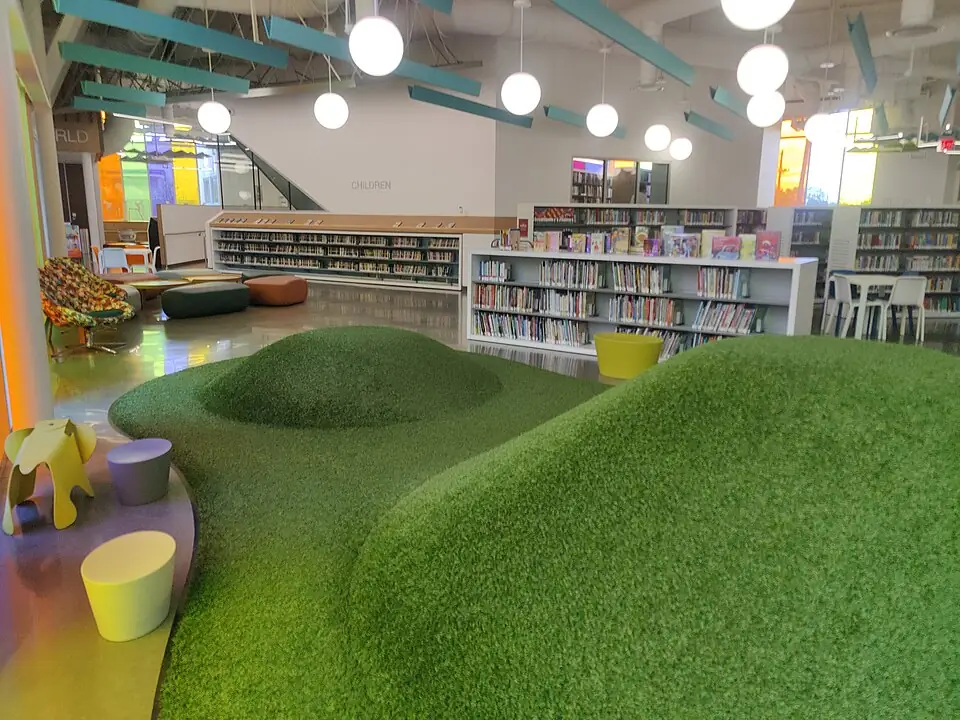
Songs, movement and stories just for toddlers at the Greensburg Hempfield Area Library. Bring a blanket and a stuffed animal. Every session is the same, so choose one; register once.
A mobile service that brings eye exams, diagnostic tests and eyeglass prescriptions to Hazelwood Towers, run in partnership with the Greater Hazelwood Neighborhood Commitment.
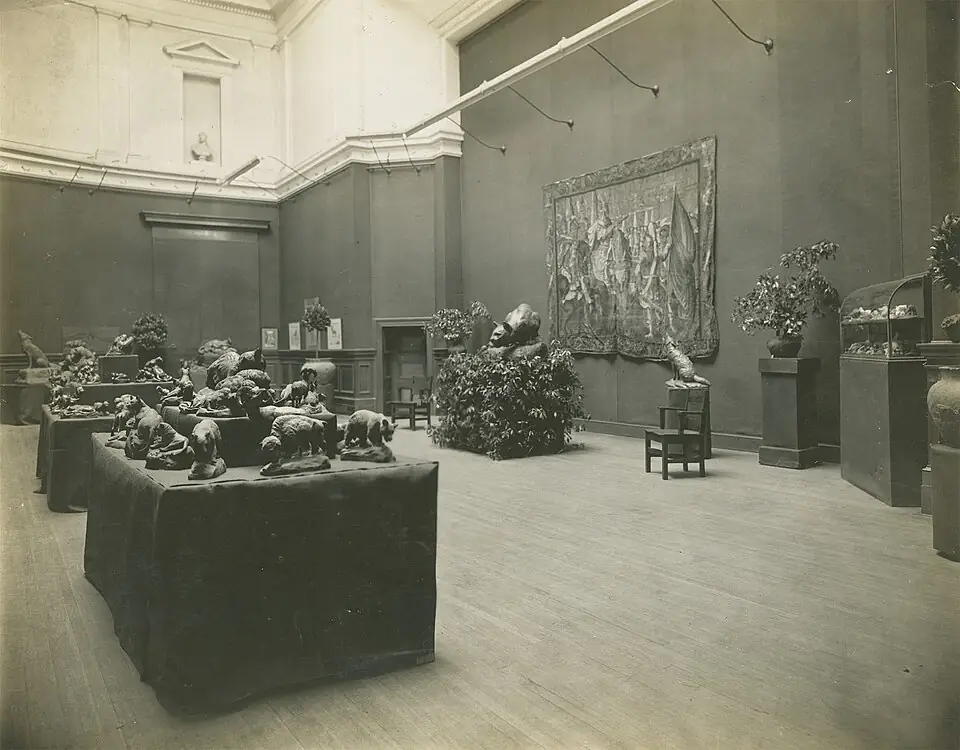
ParkingThe entrance is located on Reynolds Street where parking is available in our free lot.ADA compliant parking is available in our Reynolds Street parking lot both near The Frick Art Museum and the Grable Visitors' Center.From thefrickpittsburgh.org · thefrickpittsburgh.org, Oct 18, 2026
ParkingThe entrance is located on Reynolds Street where parking is available in our free lot.ADA compliant parking is available in our Reynolds Street parking lot both near The Frick Art Museum and the Grable Visitors' Center.From thefrickpittsburgh.org · thefrickpittsburgh.org, Oct 18, 2026
The Trail to Christmas, a cowboy version of A Christmas Carol starring Jimmy Stewart, introduced by Ronald Reagan. It is shown only at the Jimmy Stewart Museum and the Ronald Reagan Presidential Library.
A book club reading Richard M. Ketchum's The Winter Soldiers, about a small band of men George Washington held together through the battles of Trenton and Princeton.
Free drop-in tutoring for all calculus courses, including Math 129, 151, 155, 156, 251 and 261; no appointments. Students can also use the space as a quiet place to work.
The Pittsburgh Tech Lunch: a free lunch presenting Centerprism's integrated ERP software and partner 1609 Marketing's web design, webstore and digital marketing services.
An in-person session for real estate professionals on what the new URAR and UAD 3.6, one of the biggest residential appraisal updates in years, mean for Realtors.
It's A Wonderful Life, starring James Stewart, Donna Reed and Lionel Barrymore: an angel shows a frustrated businessman what life would be like had he never existed.
Free one-on-one medication reviews with a Pitt Pharmacy student and a supervising pharmacist at the SHRS Wellness Pavilion. Appointments are booked in advance.
Volunteer roles in afterschool programming, board membership, special events and workshops, filled on a rolling basis. Applicants go through an interview, clearances and internal training.
Drop-in hours for people in recovery and their allies, where you can ask about applications, get help with financial aid, or learn about support for students in recovery.
A teen gaming club at the library, in partnership with the Video Game Clubs of America. Each week is something different, with tabletop boardgames, card games, Nintendo Switch and more. Call 946-0417 ext 125 to register.
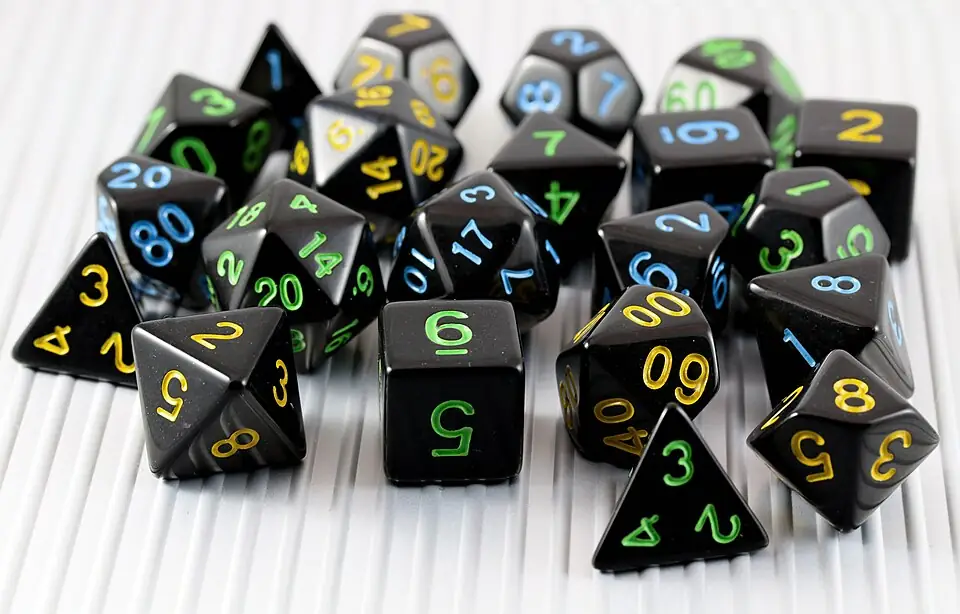
A Dungeons & Dragons game at a local game store: each player is a hero in a shared story and says what their character does, while one person, the Dungeon Master, runs the story and says when to roll dice. Entry is $10.
A supportive open session for working on your own projects with Adobe tools like Photoshop and Illustrator, from beginners to seasoned pros. There's no formal structure, just time to share tips.
Book club for teens and adults with intellectual or developmental disabilities, or who have English as a second language. You read the chosen book one chapter at a time and meet new people.
ParkingOur six-level parking garage is located just behind the museum. Access the parking garage by driving south on South Craig Street, past our Fountain Plaza.Accessible parking spaces are available on multiple levels in our parking garage, which can be entered at the corner of Forbes Avenue and South Craig Street.From carnegieart.org · carnegieart.org, Oct 24, 2026
ArrivingReservations are available through OpenTable!From carnegieart.org, Oct 24, 2026
Muute = stop showing me this.
473 things to do in Donegal, PA starting between 9 a.m. and 5 p.m. this week, Tuesday, November 24 through Monday, November 30. The first 60 listed: 14 community, 13 talks + ideas, 7 family, 4 art. Among them: BLUE SPRUCE ROAD CLEAN UP OCTOBER 24 at Blue Spruce Park (Tuesday 9 a.m.); Property Day at Hillcrest Church (Tuesday 9:30 a.m.); Toddler Music Storytime - McCandless at Riverstone Books (Tuesday 9:30 a.m.); Toddler Time at Altoona Area Public Library (Tuesday 9:30 a.m.). Every listing links the venue's or organizer's own page it was checked against.
Suumer lists what's going on near you: trivia, karaoke, live music, comedy and a lot more. No ads. Let's have fun again. Scroll down the list; each box is one event. This walk-through shows what every button means.
The top bar
On every page.
Suumer logoOn the list it opens How Suumer works. Anywhere else it takes you back to the list.
AddTell us about an event or a place we're missing, send a photo of an events board, or claim your venue.
YouPlans, Highlight and Settings.
The bottom bar
On a phone. On a computer the list and the map sit side by side, and cruu is in the top bar.
EventsWhat's on, in time order.
MapThe same events as pins on a map.
cruuYour groups for going out together. The number on it counts your group's plans in the next two weeks.
Under you
Tap the person at the top.
PlansEverything you're going to, on a calendar, with your Likes and what you Muuted.
HighlightShows only the events you highlighted. Highlight one first by tapping its round picture.
SettingsWhere you start, what you like, what to hide, and your account.
Finding your thing
Type what you want, pick a kind, or pick a day.
SearchType a venue, a band or an event, then tap the pink button.
Start nearThe town or ZIP the list starts from.
KindsEach round picture is a kind of event. Tap one to see only that kind; tap more than one to mix them.
MoreEvery other kind: theater, bingo, markets, sports and more.
Date & timePick any date, or only the hours you're free.
23Day buttonsThe next seven days. The number is how many events that day has.
Above the list
The bar right above the events.
Going!Everything you said you're going to, in one place.
FiltersNarrow the list: dates, kinds of places, and the hours.
×Clear filtersBack to the whole list.
ShareSend this list to someone.
WeeklyWeekly · Limited run · Series · One nightHow often it happens: every week, for a short time, as a set of dates, or just once.
One event
Every event box has the same buttons.
Round pictureThe kind of event. Tap it to highlight this event; tap again to take the highlight off.
ShareSend this event to a friend.
Going!Say you're going. It goes on your Going! list and Your plans. Tap again to undo.
12Time badgeHow many events start at that time. Tap the time to fold those away, and again to bring them back.
✓Checked Nov 9The day we last read this event's own page.
DetailsOpens everything we know: when, where, price, and how to get there. One line of buttons sits at the top: Hype, Add to cruu, and your calendars.
HypeHypeInside Details. Went and loved it? Turn the Hype meter up. It cheers the place on; your name is never shown.
DirectionsInside Details, next to tickets.
SourceWhere we found it, and the day we checked.
ReportSomething wrong? Tell us and we fix it.
MuuteMuute = stop showing me this. At the bottom of Details. Bring it back any time in Your plans, under Muuted.
NewNewListed since the last time you looked.
That's the basics
How Suumer works is behind the logo on the list, and at the foot of every page. The advanced walk-through shows every way to search, filter, highlight and plan.
Advanced walk-throughEvery way to search, filter, highlight and plan›
Searching
The search box takes a venue, a band, a host or an event name. A small spelling slip is fine.
Search wordsTry a band, a bar, "trivia" or "open mic".
Start nearType a town or ZIP. "Near me" uses your phone's location once, and doesn't save it.
1.1 miDistanceHow far each place is from where you started.
Kinds of events
The round pictures under the search are kinds of events. The ones you like most come first.
Pick a kindTap one round picture to see only that kind.
Pick severalTap more than one, then Show events.
MoreAll the other kinds, with a box to find one by name.
Days and hours
Look ahead as far as you like.
SATDay buttonsOne tap for any of the next seven days.
Date & timePick a range of dates, then slide the two pins to the hours you're free.
TBDTime TBDEvents whose start time isn't posted yet. They come last unless you choose otherwise in the questions below.
Filters
The Filters button narrows the list without losing your place.
Place typesOnly bars, only breweries, only music venues, parks and more.
×Clear filtersEverything back the way it was.
ListTimes in order, with a count badge at each time.
MapEvery event as a pin. Pins close together join into one number; zoom in to split them.
Keeping track
Mark what you like and plan your week.
Going!Marks an event you're going to. It shows on your Going! list and in Your plans.
HighlightTap an event's round picture to color it in. Highlight, under you at the top, then shows only those.
PlansUnder you at the top. Three tabs: your Going! plans on a calendar (tap a day to see its plans), your Likes, and what you Muuted.
MuuteMuute = stop showing me this: one event, a whole place or a whole host. Bring any back in Plans, under Muuted.
Going with friends
A cruu is your group: a trivia team, your friends, your family.
Start a cruuTap cruu (bottom of a phone, top of a computer), give it a name, and invite people with a link.
Plan it togetherAdd an event to your cruu and everyone in it sees the plan.
Telling us things
Suumer gets better every time someone tells us something.
AddAdd an event, add a place, send a photo of an events board or flyer, or claim your venue.
ReportA wrong time, a closed place, anything off.
HypeHypeAfter you go, turn the Hype meter up to cheer the place on.
Your settings
Everything you can set is in one place.
SettingsTap you at the top, then Settings: where you start, how far you'll go, the kinds you like, what to hide, quick questions and your account.
Check the town in the box with the pin. Not yours? Type your town or ZIP, or tap the pin beside it, then Use my location.
Want one kind of night? Tap a round picture, like Trivia or Live music. On a computer they run down the left side. Clear filters brings everything back.
Scroll down. The number beside each time is how many events start then.
Tap Details for the price, the address and Directions. On a computer, click the event and it all opens on the right.
Say you’re going
Keep every night you’ve said yes to in one list.
Find the event in the list.
Tap Going! on its box. On a computer, click the event, then Going! beside Share.
To see your list, tap the yellow Going! button with the star, above the events.
Changed your mind? Tap Going! on the event again.
Make a cruu
A cruu is your group for going out: friends, a trivia team, family. Plan nights together and see who’s in.
Tap cruu, the colored dots: at the bottom of a phone, at the top of a computer.
Under Start a cruu, give it a name, pick what kind, and tap Create cruu.
Open Members and tap Invite people. Send it by email, by text, or with a code to scan. You sign in first: type your email and we send you a link. No password.
To plan a night, open an event’s Details and tap Add to cruu.
It lands in your cruu’s Plans, where everyone answers Yes, Maybe or No.
Join a cruu
Someone invited you? It’s free, and you only need your email.
Open the invite. In an email, tap Join the cruu. In a text, tap the link. Shown a code? Point your phone camera at it and tap the link that pops up.
Sign in: type your email (an email invite fills it in), tap Email me a key, and open the link we email you. No password.
From an email invite, you’re in. From a text or a code, type the name the cruu will see if it asks, tap Ask to join, and wait for the owner to tap Let in.
Inside, you’ll see Who’s in and the cruu’s Upcoming plans.
To get back later, tap cruu. It’s under Shared cruus.
Claim your venue or act page
Run the place or play the shows? Claim its page, free. Add your photos, links and events once (videos too, for acts), and they show on every night.
Find your page: tap your venue’s or act’s name on any of its events.
Scroll to Is this your place? (for an act, Is this you?) and tap Claim this page.
Sign in: type your email, tap Email me a key, and open the link we email you. No password.
Fill in your name, your role, and your official website, Facebook page or Instagram. Tap Make it mine (for an act, Next).
Post the short message we show you, code and all, on that website or page. Paste the post’s link and tap Submit for review (for an act, Send for checking).
Once we’ve checked it, the page is yours.
Where Suumer is lit up
Every dot is something to do on Suumer. More dots, more going on.
Loading the map…
– today
– this week
– later this year
Drag to spin. Pinch or double-tap to zoom. Tap a spot to see what's near.
Get the app
Suumer for iPhone and Android phones.
Apple and the Apple logo are trademarks of Apple Inc. App Store is a service mark of Apple Inc.Google Play and the Google Play logo are trademarks of Google LLC.